Skip to content
 Recommended for These People
We recommend this article to those who have difficulty creating websites with WordPress or want to implement more diverse designs and features using Elementor and Crocoblock plugins. It contains information that can be referenced by all users, from WordPress beginners to intermediate users, who want to increase the efficiency of website creation.

Overall Review
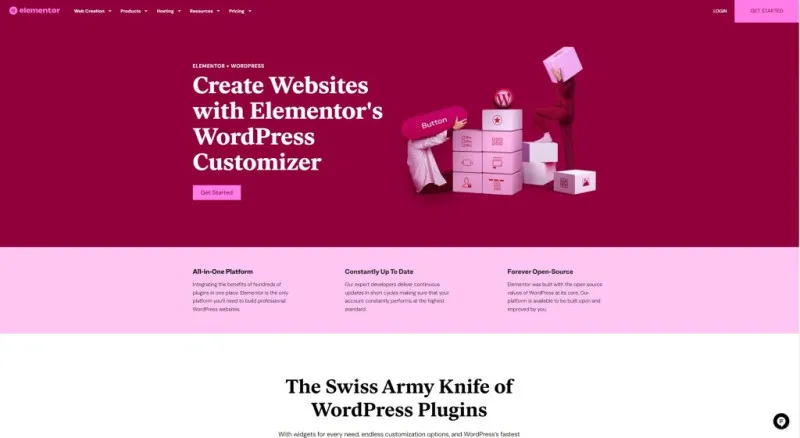
Elementor and Crocoblock are plugins that make WordPress website creation much easier and more powerful. Elementor, with its intuitive drag-and-drop editor, helps even beginners visually design websites. Crocoblock offers a wide range of widgets and extensions, broadening design possibilities and adding convenience by integrating multiple functions into a single plugin. Both plugins can be usefully employed when you want to create results that go beyond basic WordPress functionality.
Tips
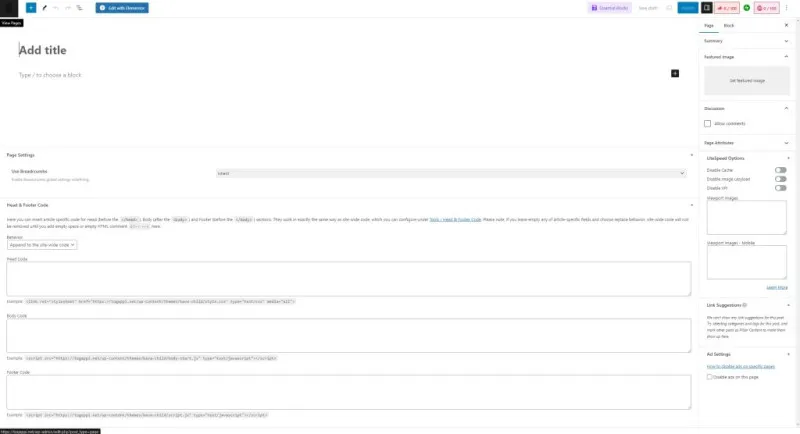
- Unlike the default WordPress editor, Elementor provides a visual editing environment that simplifies the website design process.
- It is recommended to consider purchasing the Elementor Pro version when you feel additional features are needed.
- Crocoblock offers integrated widgets, reducing the hassle of installing multiple plugins individually.
Read More from the Original
This article introduces the concepts and basic usage of Elementor and Crocoblock plugins, which play a key role in WordPress website creation. Elementor explains the advantages of visual editing compared to the default WordPress editor and demonstrates the design process using widgets. Crocoblock emphasizes that, unlike Elementor, it does not change the editor itself but enables diverse designs and expressions through widget extensibility. In particular, it explains the advantages of Crocoblock, which provides multiple functions integrated into a single plugin, contributing to enhanced user convenience.
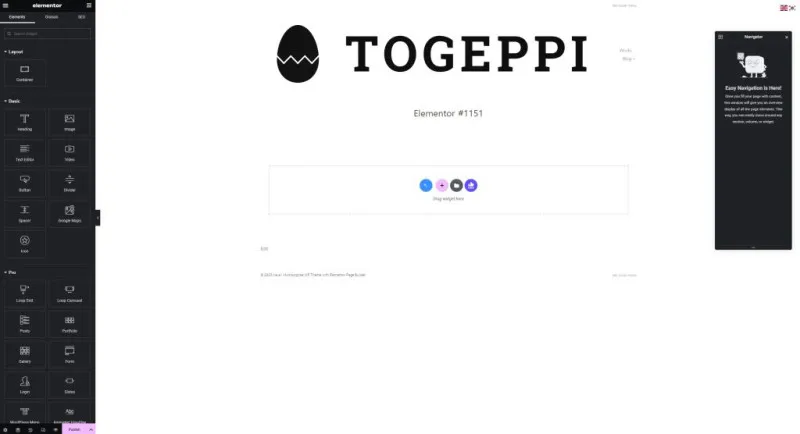
In the case of Elementor, dragging and dropping widgets listed in the left sidebar onto the central editing page activates the widget, and design can be changed through various style settings such as text color, size, and width. Additionally, the Navigator function allows you to check the arrangement order of the widgets currently being edited, aiding in the configuration of complex layouts. Crocoblock can be used in conjunction with Elementor, and it is explained that richer website designs can be implemented through the various additional widgets.
This article focuses on understanding the basic concepts of Elementor and Crocoblock, and the next article will cover in more detail actual website design cases using these plugins and specific feature utilization methods. Through this, readers will be able to gain practical know-how in WordPress website creation.