Skip to content
 Recommended For You
This article is recommended for those who find it difficult to build websites with WordPress or want to learn how to use the Elementor and Crocoblock plugins. It provides useful information, especially for beginners who feel lost in website design due to a lack of coding knowledge.
Overall Review
This article clearly explains the basic concepts and differences between two essential plugins for WordPress website creation: Elementor and Crocoblock. Elementor is a tool that helps you easily design websites without coding through its visual editing features, while Crocoblock offers various widget extensions to implement richer designs and functionalities. Understanding the pros and cons of both plugins will give you confidence in building your WordPress website.
Helpful Tips
- Unlike the default WordPress editor, Elementor allows intuitive editing by dragging and dropping widgets and setting their styles.
- Crocoblock enhances efficiency by providing a wide range of widgets all at once, instead of requiring the installation of multiple individual plugins for various functions.
- For the Elementor Pro version, it’s recommended to subscribe when you need additional features. It’s best to thoroughly familiarize yourself with the free version first before making a decision.
See More in the Original Article
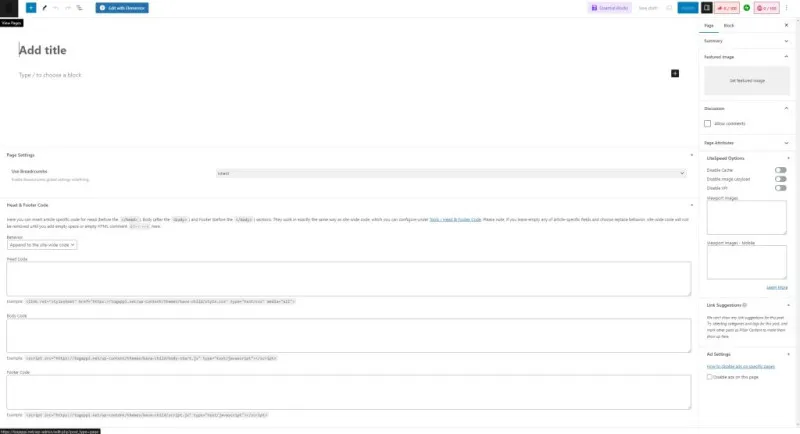
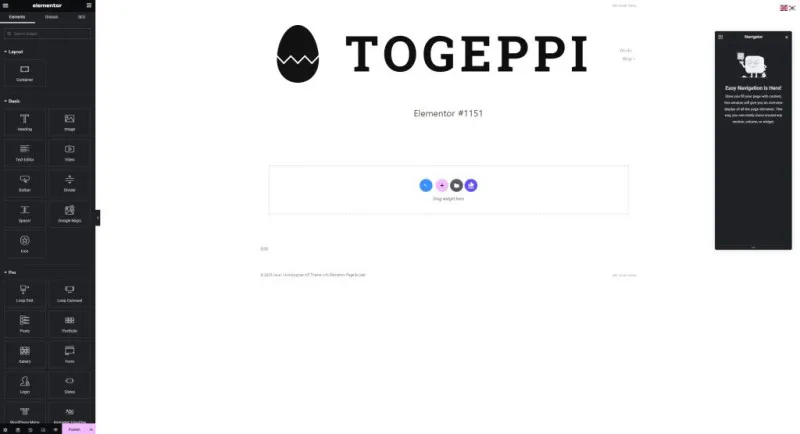
Elementor is a powerful tool that helps you visually edit your website with WordPress without coding knowledge. Compared to the default WordPress editor, the Elementor editor offers various widgets in the left sidebar, which you can drag and drop to place them in the desired location and easily adjust detailed styles such as text color, size, and width. Additionally, the Navigator feature allows you to understand and manage the order of widgets on the page you are currently editing, which is useful for creating complex layouts.
Crocoblock, unlike Elementor, functions to enhance Elementor’s widget extensibility rather than changing the editor itself. It is a plugin that helps you implement various designs and expressions without programming knowledge, reducing the hassle of installing multiple plugins separately to implement specific functions in WordPress. Crocoblock provides these diverse widgets in one place and makes them easy to integrate, increasing user convenience.
This article focuses on helping you understand the basic concepts of Elementor and Crocoblock. In the next article, we will delve deeper into actual website design examples using these plugins and detailed explanations of their functionalities. In the original article, you can find more detailed practical design processes and useful features for building websites with these plugins.